1
Style
2
Measurements
3
Submit
Choose Your Mount Style
Select the type of aperture cut you need — more styles coming soon
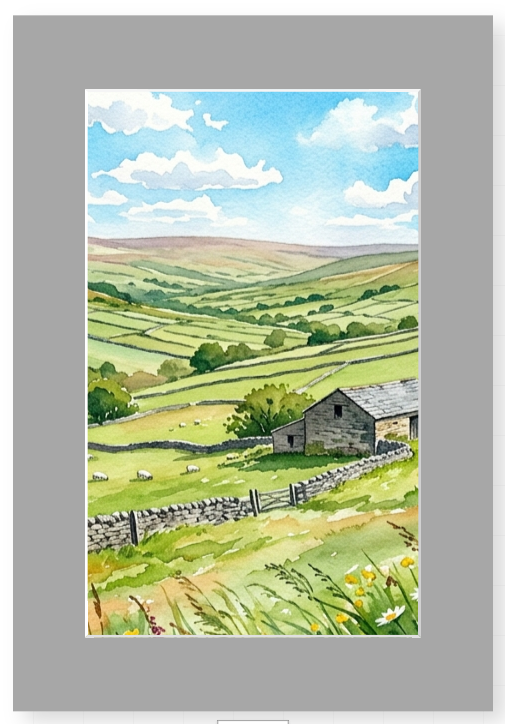
Single Rectangular1 aperture
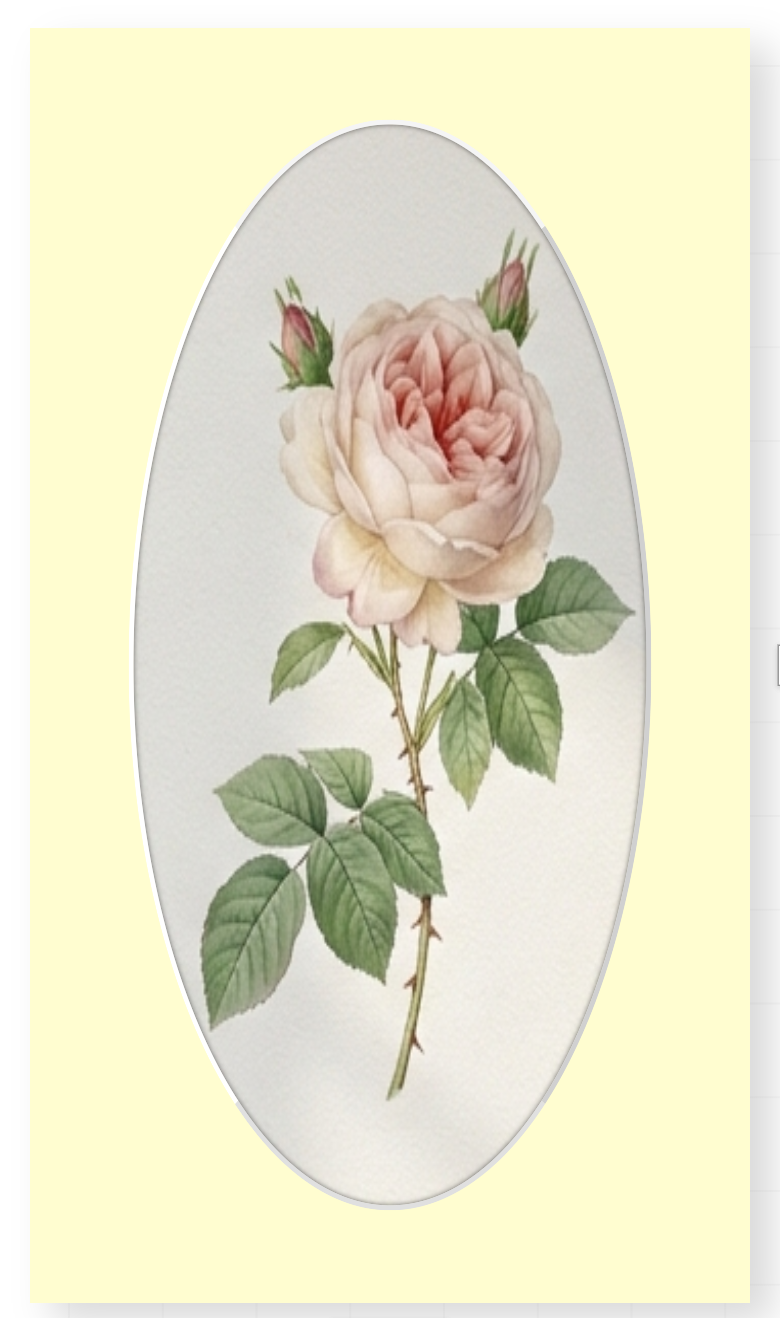
Single Oval1 aperture
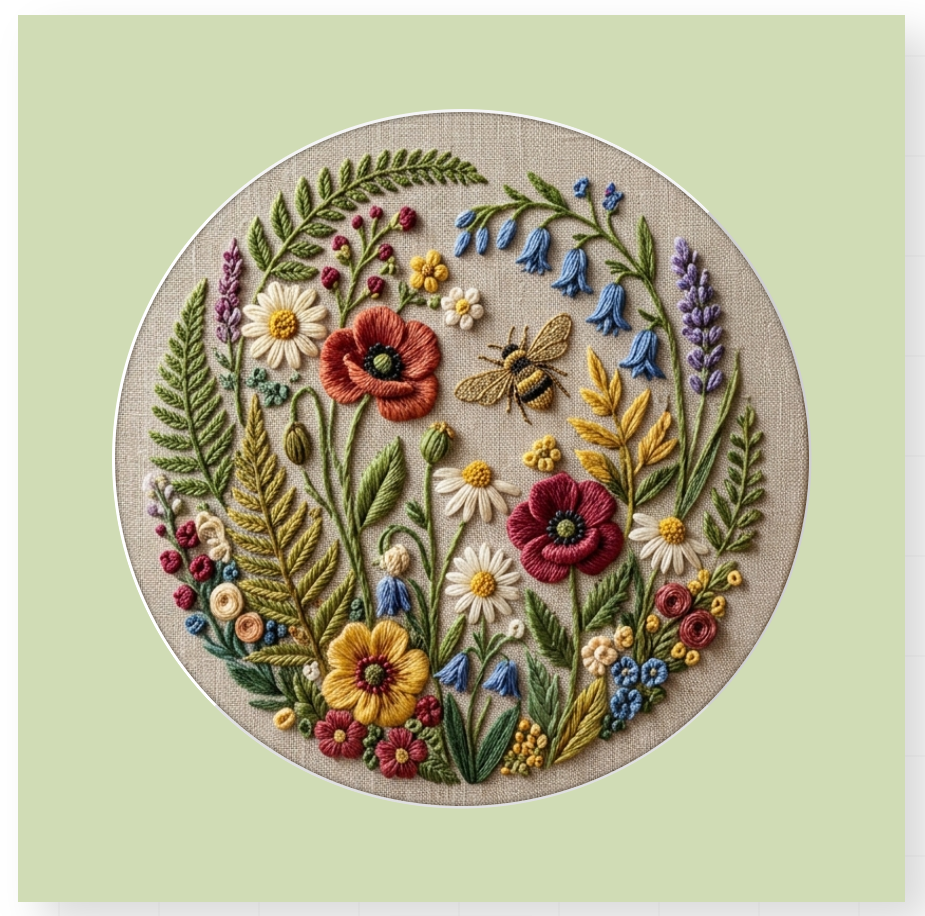
Single Round1 aperture
Double
Double Rectangular2 apertures
Triple
Triple Rectangular3 apertures
Multi
Multi Rectangular4+ apertures
2 × Oval
Double Oval2 apertures
Mixed
Mixed Shapesrect + oval
Custom
Custom Layoutdesign yours
Provide Any Two Measurements
Fill in two of the three sections below and we'll calculate the third for you. You can click a section header to enable or disable it.
Aperture Size
The opening that shows your artwork
Section 1 of 2
1
Choose your unit
2
Set your aperture size
You only need to complete ONE of the two options below — either type your own size, or pick a standard size.
Option A
Enter custom dimensions
or
Option B
Choose a standard size
A-Series Print Sizes
Photo Print Sizes
A round aperture only needs one measurement — the diameter (the distance across the circle).
After overlap reduction: — (inches)
3
Confirm orientation
Width
—
(inches)
Height
—
(inches)
4
Auto-reduce for overlap (optional)
What would you like to set next?
Pick one — we'll calculate the other automatically based on your aperture size.
Frame / Mount Size
The overall outer dimensions of the mount
Section 2 of 2
You only need to complete ONE of the two options below — either type your own size, or pick a standard size.
Option A
Enter custom dimensions
or
Option B
Choose a standard size
A-Series Sizes
Standard Frame Sizes
Your selected size
Margin Widths
The border around the aperture
Auto-calculated · click to swap
Tip: Equal margins all round gives a clean, modern look. If you prefer a more traditional framing style, tick the option below to make the bottom margin slightly wider.
✓ Calculated for you
Complete a mount style and any two measurement sections to continue